
How to Prevent Automation Loops in GoHighLevel

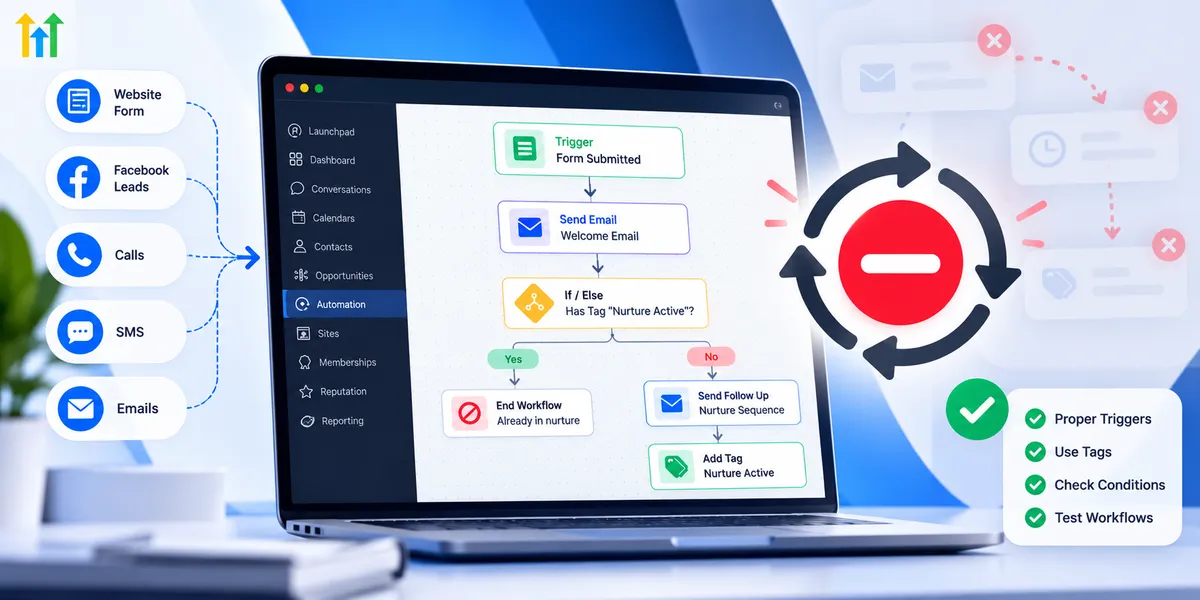
How to Prevent Automation Loops in GoHighLevel

How to Prevent Automation Loops in GoHighLevelWispcode Team
Published on: 23/10/2026

Learn how to prevent automation loops in GoHighLevel using workflow triggers, If/Else conditions, contact tags, and testing to eliminate duplicate actions and build reliable CRM automations.

GoHighLevel automation loopsprevent automation loopsGoHighLevel workflow troubleshootingGHL automationworkflow re-entryduplicate workflow preventionGoHighLevel workflow triggersCRM automationIf/Else conditionscontact tagsworkflow execution logsGoHighLevel workflow optimizationautomation troubleshootingGoHighLevel workflow best practicesfix automation loops
GoHighLevel Workflow Entry & Exit Conditions Guide

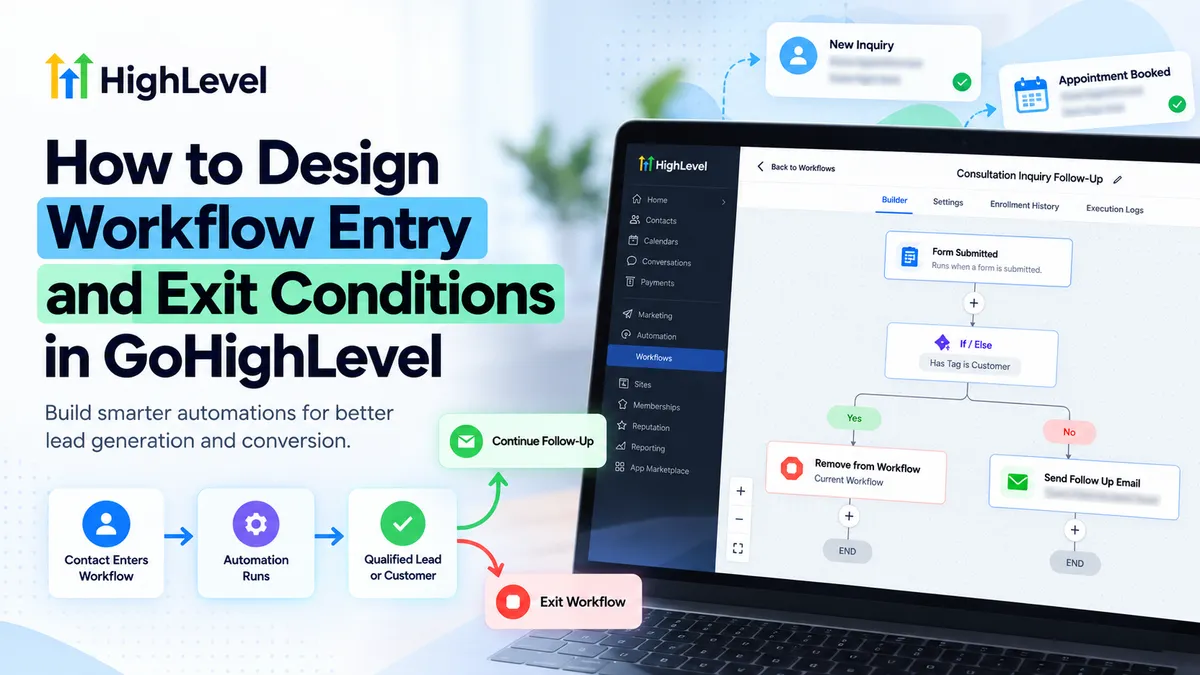
GoHighLevel Workflow Entry & Exit Conditions Guide

GoHighLevel Workflow Entry & Exit Conditions GuideWispcode Team
Published on: 22/10/2026

Learn how to configure GoHighLevel workflow entry and exit conditions, triggers, filters, re-entry rules, and removal actions for reliable automations.

GoHighLevel workflow entry and exit conditionsGoHighLevel workflow triggersGoHighLevel workflow filtersGoHighLevel exit conditionsGoHighLevel Allow Re-entryGoHighLevel Remove from WorkflowGoHighLevel workflow automationGoHighLevel lead follow-up automationWispcode
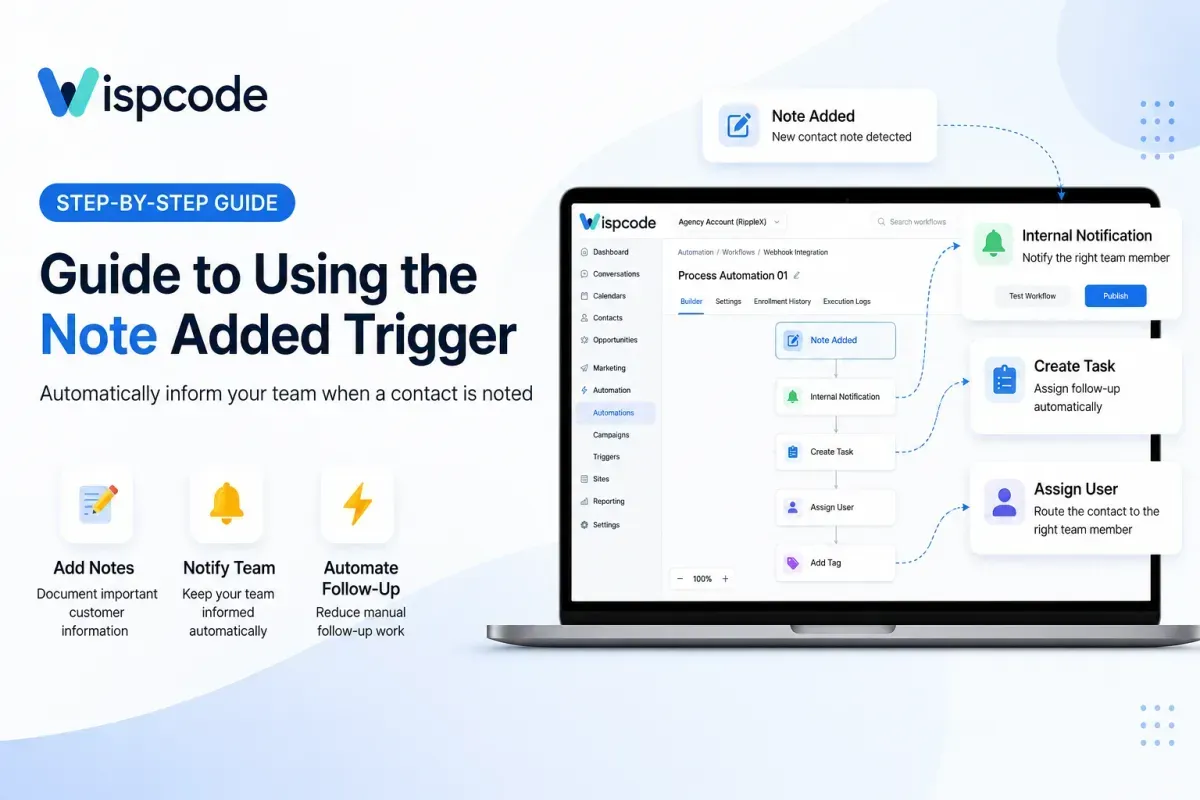
How to Use the Note Added Trigger in GoHighLevel

How to Use the Note Added Trigger in GoHighLevel

How to Use the Note Added Trigger in GoHighLevelWispcode Team
Published on: 13/09/2026

Learn how to use the Note Added Trigger in GoHighLevel to automate internal notifications, follow-ups, tasks, and team workflows whenever a new contact note is added.

GoHighLevel Note Added TriggerNote Added Trigger GoHighLevelGoHighLevel workflow triggersGoHighLevel workflowsGoHighLevel automationGoHighLevel workflow automationGoHighLevel internal notificationsGoHighLevel CRM automationGoHighLevel notesWispcode
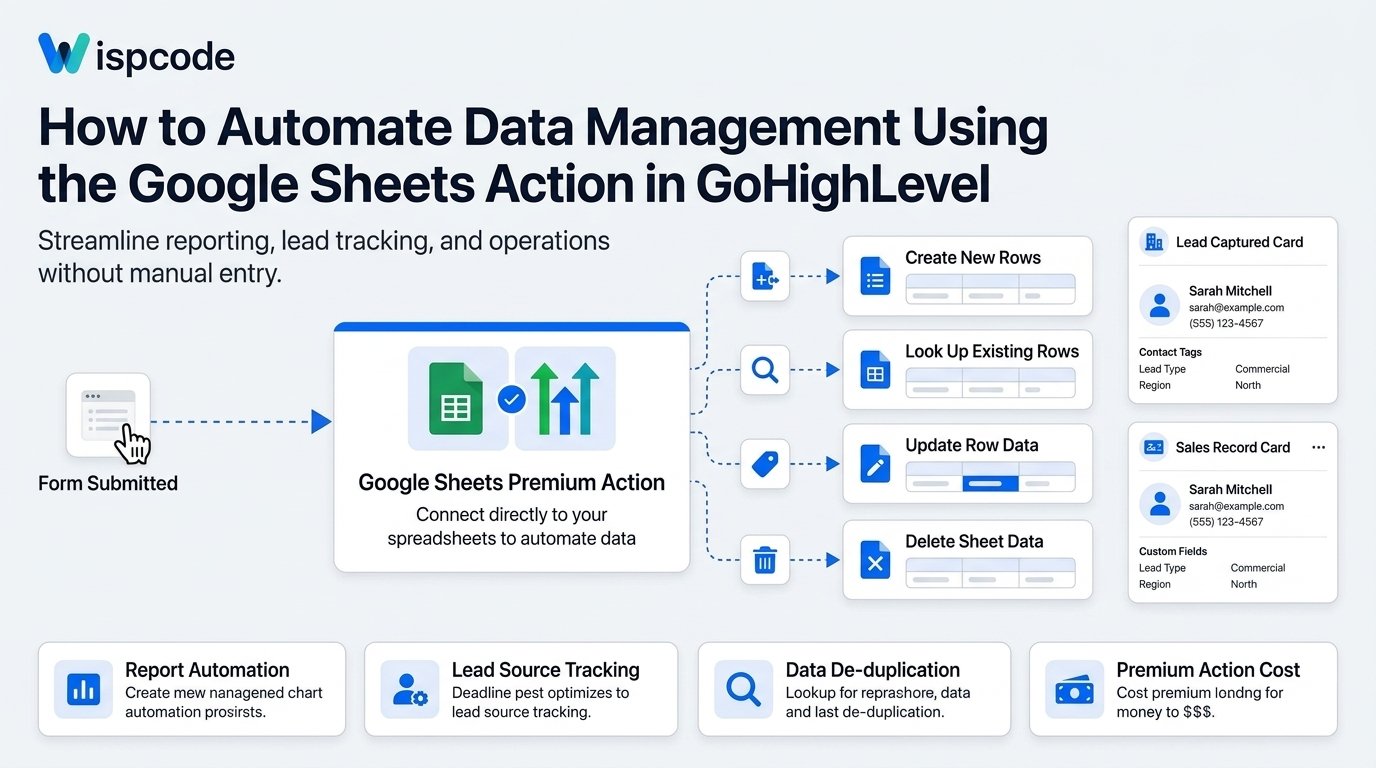
Automate Data Management Using the Google Sheets Action in GoHighLevel: Step By Step Guide

Automate Data Management Using the Google Sheets Action in GoHighLevel: Step By Step Guide

Automate Data Management Using the Google Sheets Action in GoHighLevel: Step By Step GuideWispcode Team
Published on: 07/09/2026

Learn how to use GoHighLevel's Google Sheets Premium Action to automate data entry, update rows, and streamline CRM reporting without third-party tools.

GoHighLevel Google Sheets actionGoHighLevel data managementAutomate GoHighLevel workflowsGoogle Sheets automation CRMGoHighLevel premium workflow actionsGoHighLevel spreadsheet integrationCRM data entry automationGoHighLevel workflow triggersGoogle Sheets lookup actionGoHighLevel automation tutorialGoHighLevel lead trackingGoHighLevel workflow automation

At Wispcode, we deliver pioneering digital engineering strategies that empower businesses to grow with confidence.

Get in touch with us

Email:

Phone:

Hours: 24/7 available

Copyright @2026 Wispcode. All Rights reserved.